

Running a website is only half the job. The other half is getting people to actually visit it — and these days, that means showing up consistently on social media. Most small businesses know this, but few have the time to plan, design, and post content across multiple platforms every week.
That’s why we’ve started including SocialBee free with our all of our cloud hosting plans.
What SocialBee Does
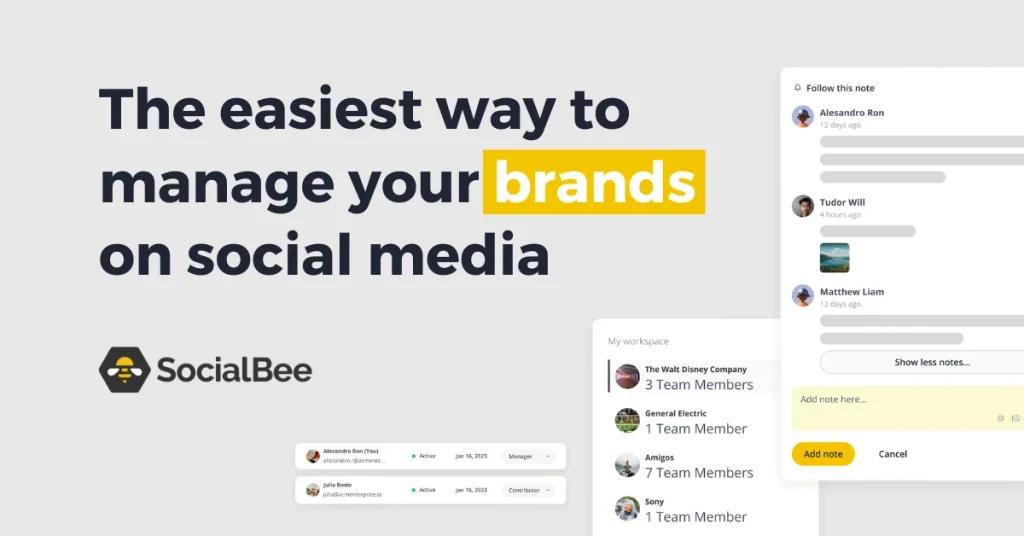
SocialBee is a social media management tool that lets you:
- Schedule posts in advance across Instagram, Facebook, LinkedIn, X, TikTok, and more — from one dashboard
- Recycle evergreen content automatically, so your best posts keep working without you lifting a finger
- Plan visually with a content calendar that shows exactly what’s going out and when
- Collaborate with a team, with approval workflows so nothing goes live without sign-off
- Track performance with analytics that show what’s actually driving engagement
In short, it turns “I should really post something today” into a five-minute weekly planning session.
Why We’re Including It With our Cloud Hosting
Your website and your social presence aren’t separate jobs — they drive each other. New content on your site is something to share; social traffic is something that should land on a fast, reliable site. We wanted to close that loop for our customers without adding another subscription to manage.
So instead of treating hosting as just “where your site lives,” we’re treating it as the foundation for your whole online presence. SocialBee is part of that:
- No extra cost — it’s bundled into your existing plan
- No new account juggling — set up through your hosting dashboard
- No technical headache — built for non-marketers, not agencies
Who This Helps Most
If you’re a small business, freelancer, or local service provider who knows social media matters but never quite gets around to it consistently, this is built for you. You don’t need a marketing team — you need a tool that makes fifteen minutes a week look like a full-time content strategy.
Getting Started
Log in to your cPanel hosting dashboard, find SocialBee under your included tools, and connect your social accounts. You’ll have your first week of posts scheduled before your coffee goes cold!
Have questions about setting up SocialBee on your account? Reach out to our support team — we’re happy to help you get your first content calendar live.


Leave a Reply